GradeChum reduces time spent on manual checking, freeing teachers to focus on student support, research, and administrative responsibilities.



Schools that have tried GradeChum

Cebu Institute of Technology - University

Mapua
University

Mapúa Malayan Colleges Mindanao

Mapúa Malayan Colleges Laguna

Holy Cross of Davao College

The University of Mindanao

University of the East - Manila
How it works
1
Input your questions on the GradeChum platform
2
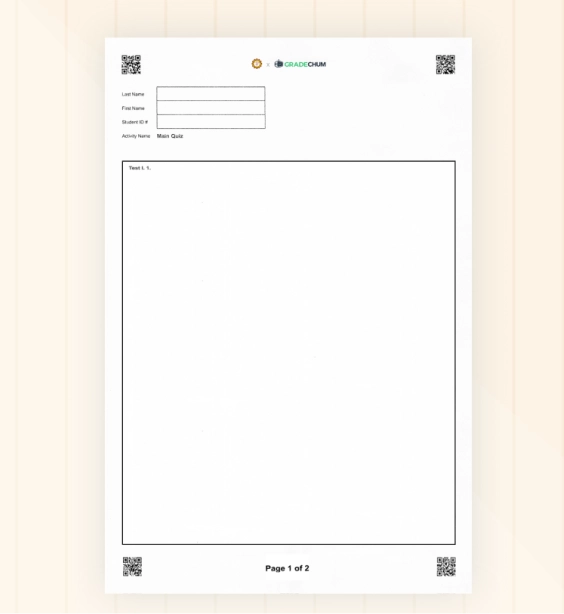
Print and distribute GradeChum answer sheets
3
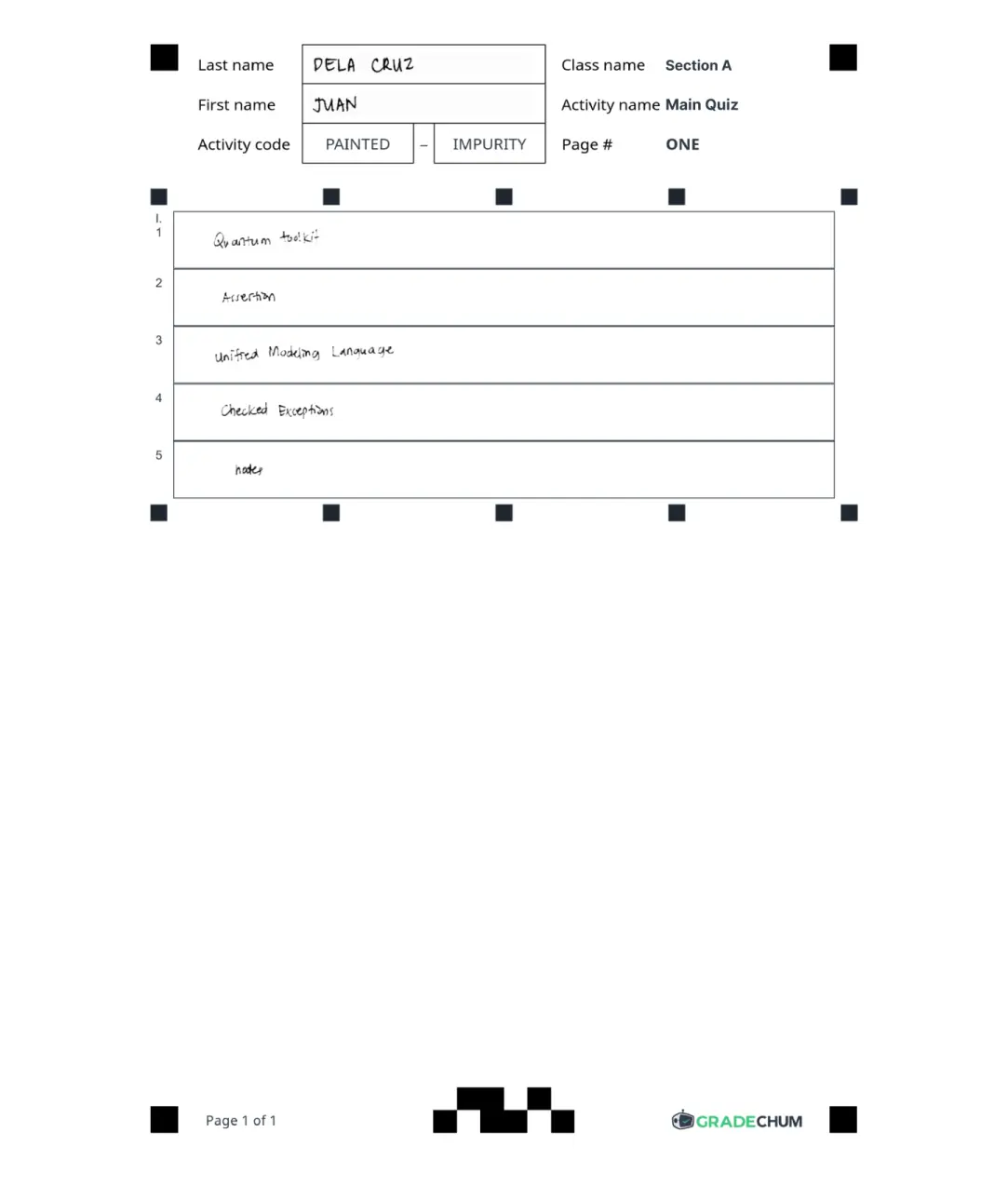
Scan answer sheets for automatic checking
Download GradeChum mobile app here!




Supported answer types
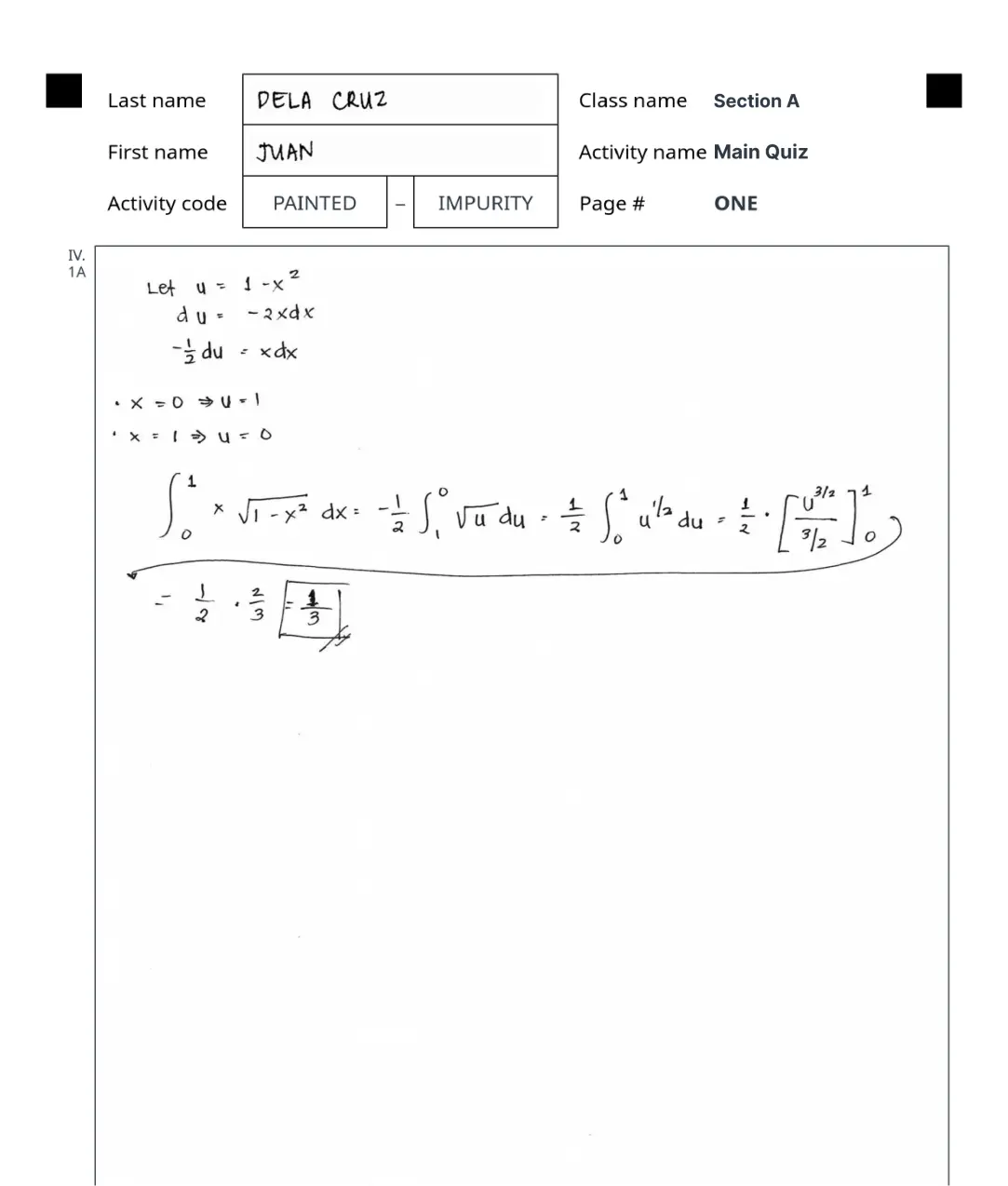
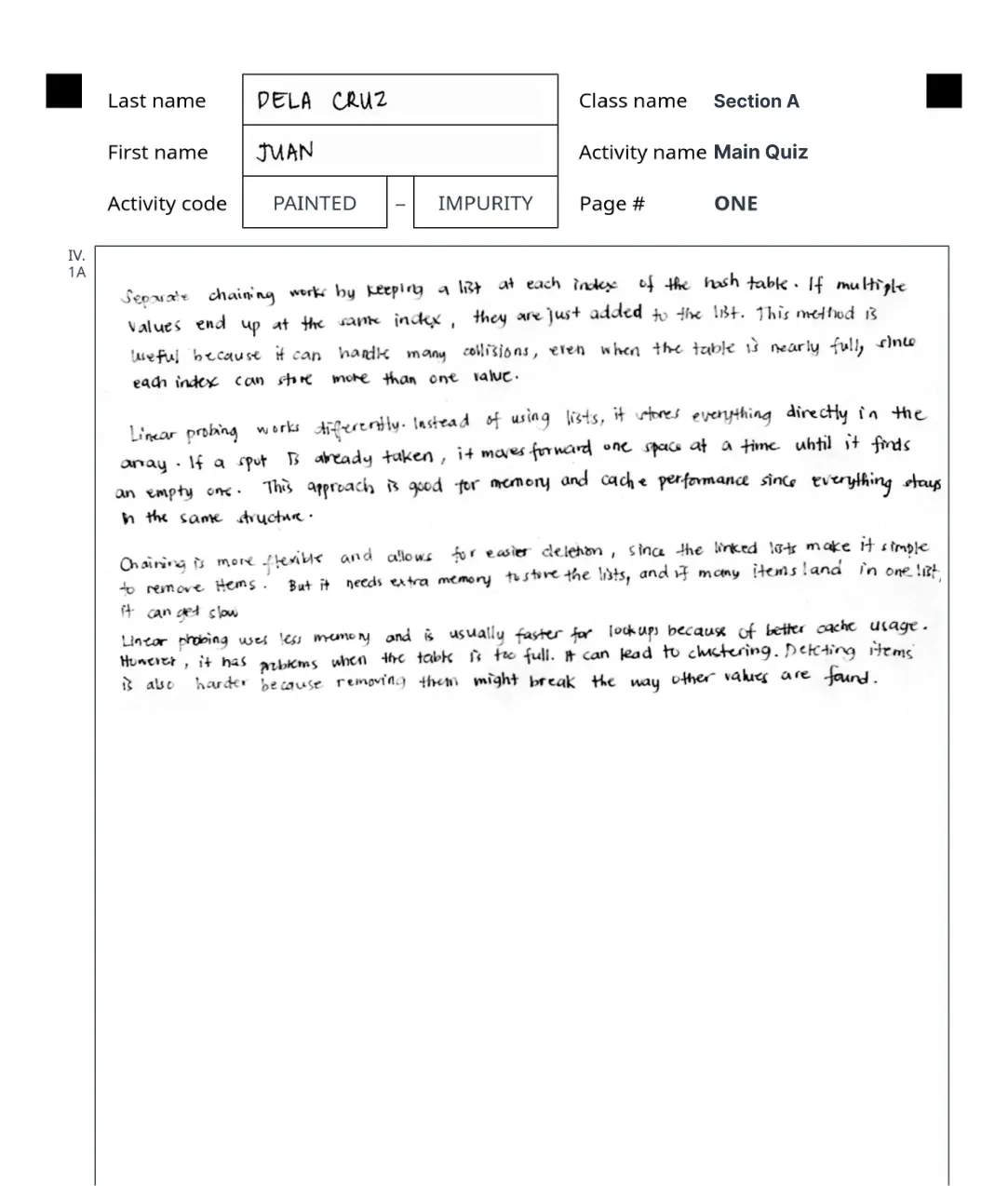
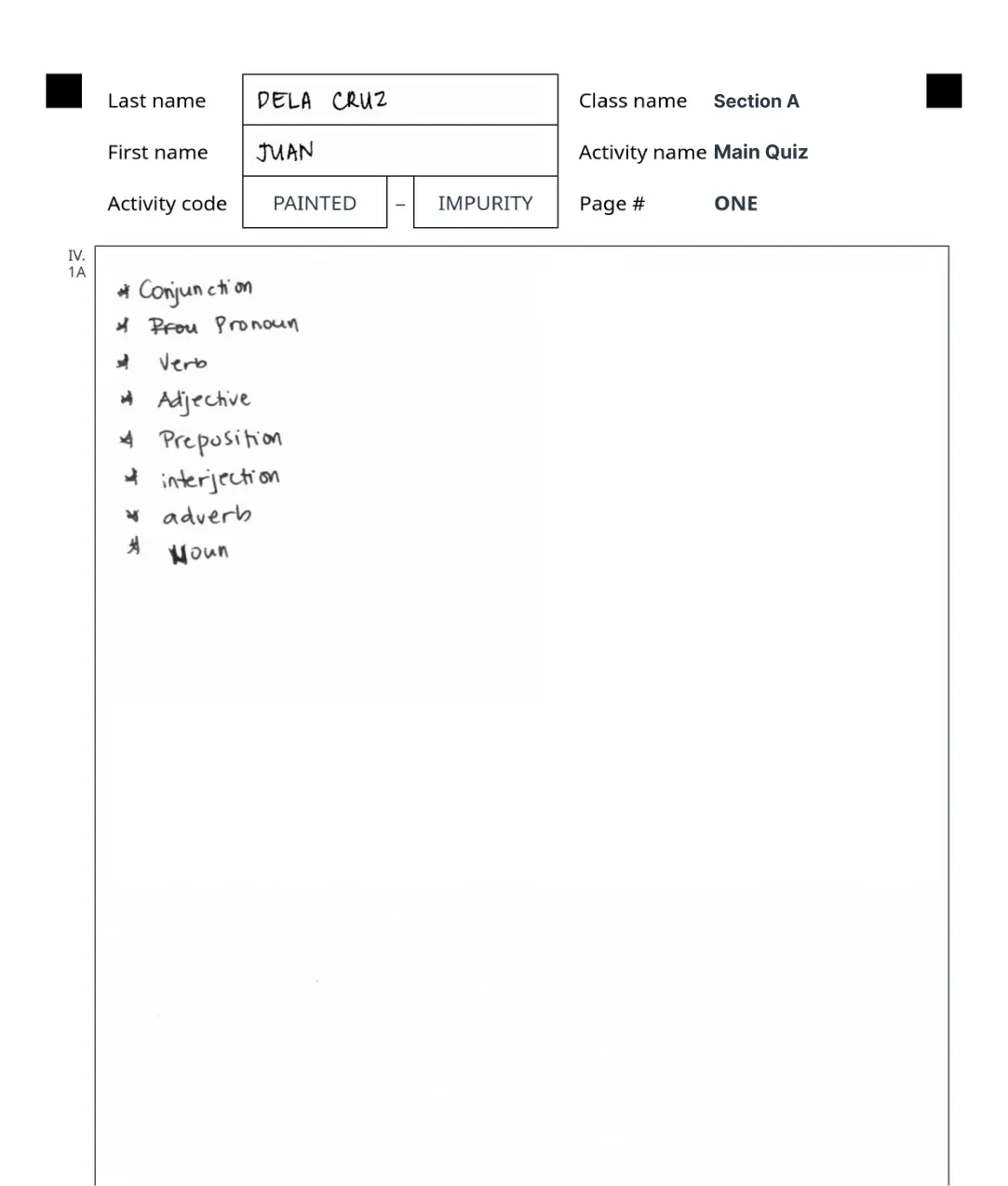
Not Just A, B, or C — GradeChum Does More



FAQs
No, students don’t need to create an account or be enrolled in your class for their answer sheets to be scanned and checked. However, we recommend enrolling them to ensure smoother association of their papers and fewer issues when viewing results.
Yes! You can use any type of paper, whether bond paper or newsprint, as long as you print the answer sheet template generated by the system. See sample answer sheet template.
As long as the answer is legible to a human reviewer, it will be accepted.
If your questions are multiple choice, identification, enumeration, and/or true/false, there’s no need to retype them. You can simply upload that questionnaire in PDF format, and GradeChum will automatically process everything for you.
When you input your essay questions into GradeChum, you’ll set the rubrics. GradeChum will then evaluate your students’ papers based on the rubrics you provide. See sample rubrics.
Yes. Students can view their results and feedback on the GradeChum online platform once their teacher releases them.
Yes! GradeChum integrates with the following LMS platforms:
- Blackboard
- Canvas
- Moodle
If your school uses a different LMS, you can still manually export students’ grades to an Excel file from our application.
Based on our tests, GradeChum is about 95% accurate. Teachers can always review and override the system's scoring if needed. Additionally, after results are released, students can request a regrade for any incorrectly marked answers directly within the app.
Our pricing is per student, per semester, and depends on the number of students in your school. If you're interested, you can schedule a call here.
You can email us at info@gradechum.com or schedule a call here. We're happy to help!
Don't get left behind
Be one of the first to try the Philippines' most most innovative grading platform  innovative grading platform